
Earn Coins for Completing To-Dos and Furnish a Room on iPhone
TaskBit is a gamified iPhone to-do list. Completing a task earns coins, which you can spend on furniture and decorations for your companion's room. You can rearrange the room as you collect more items.
Ryo Morishita (app developer) · Published
Screenshots illustrate the steps. Check the App Store for current availability and pricing.
Give today's task a small reward
Add a task such as packing tomorrow's bag. When you finish, check it off. Use the coins you collect to choose an item for the room.
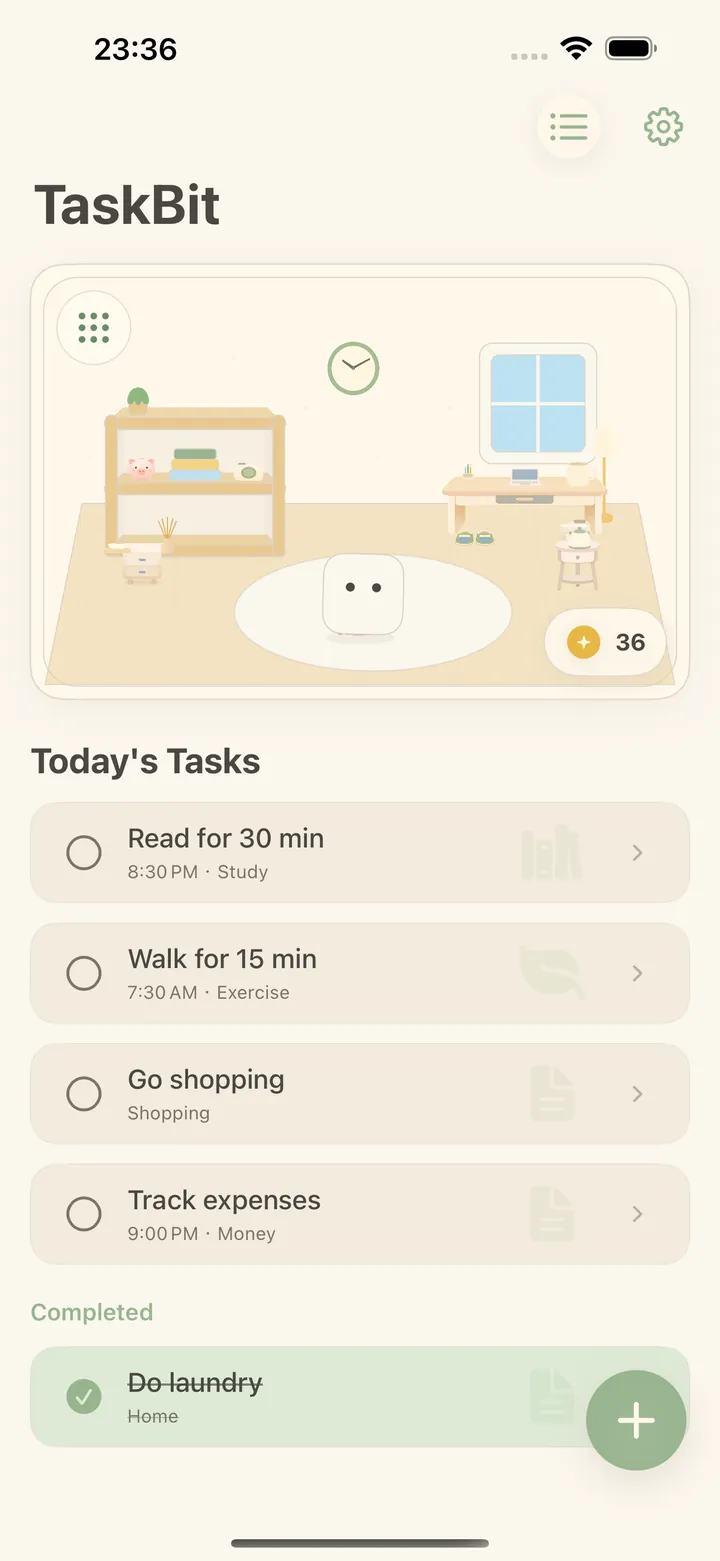
Before you start
iPhone Reminders can handle checklists and timed reminders. Use TaskBit when a visible reward for completing tasks would make that daily routine more appealing.
1. Add one task for today
Enter a short title and date. You can also set a time or repeat schedule.
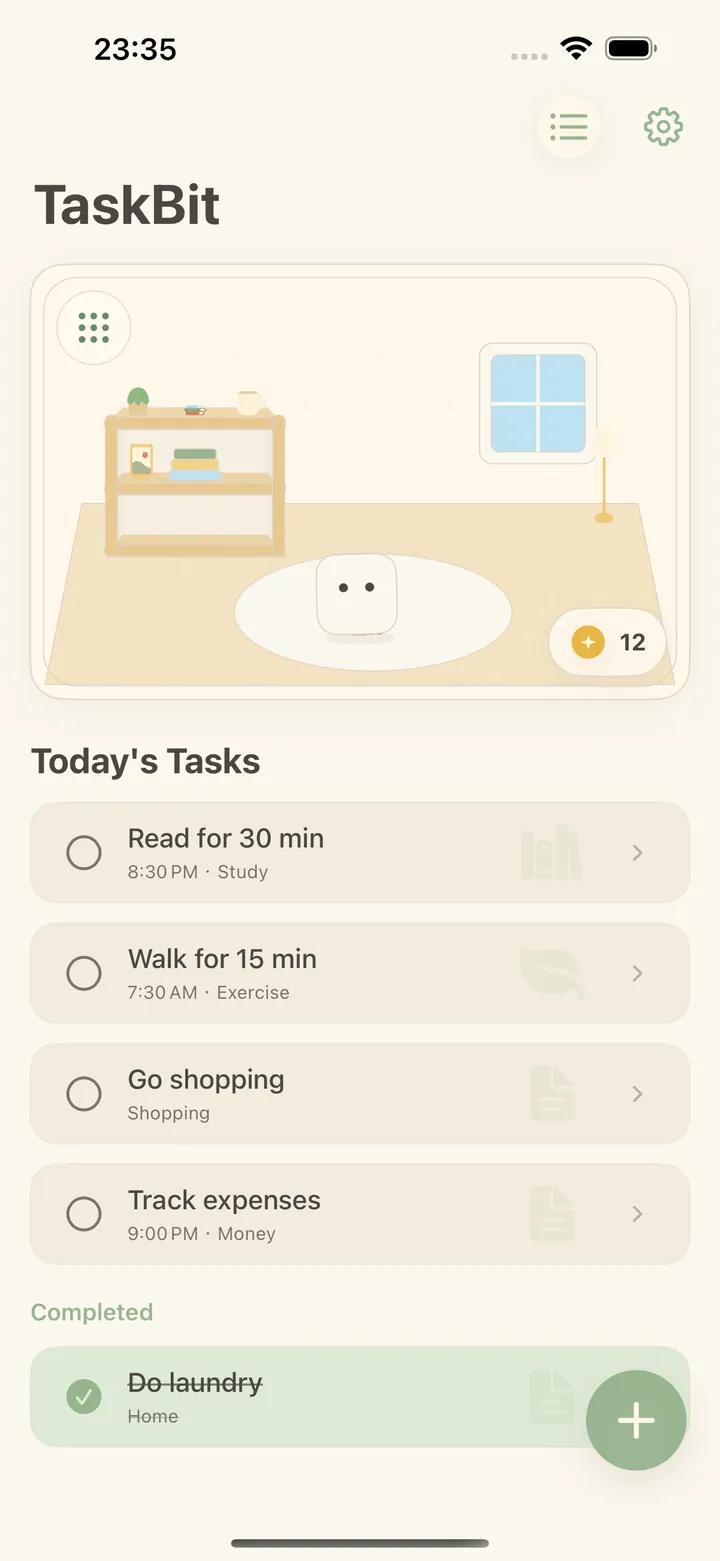
2. Complete the task to earn coins
Check off the task when you finish. Save up coins and spend them on furniture or decorations in the app.
3. Choose where the furniture goes
Place a piece in one of its available spots. You can move or store it later.
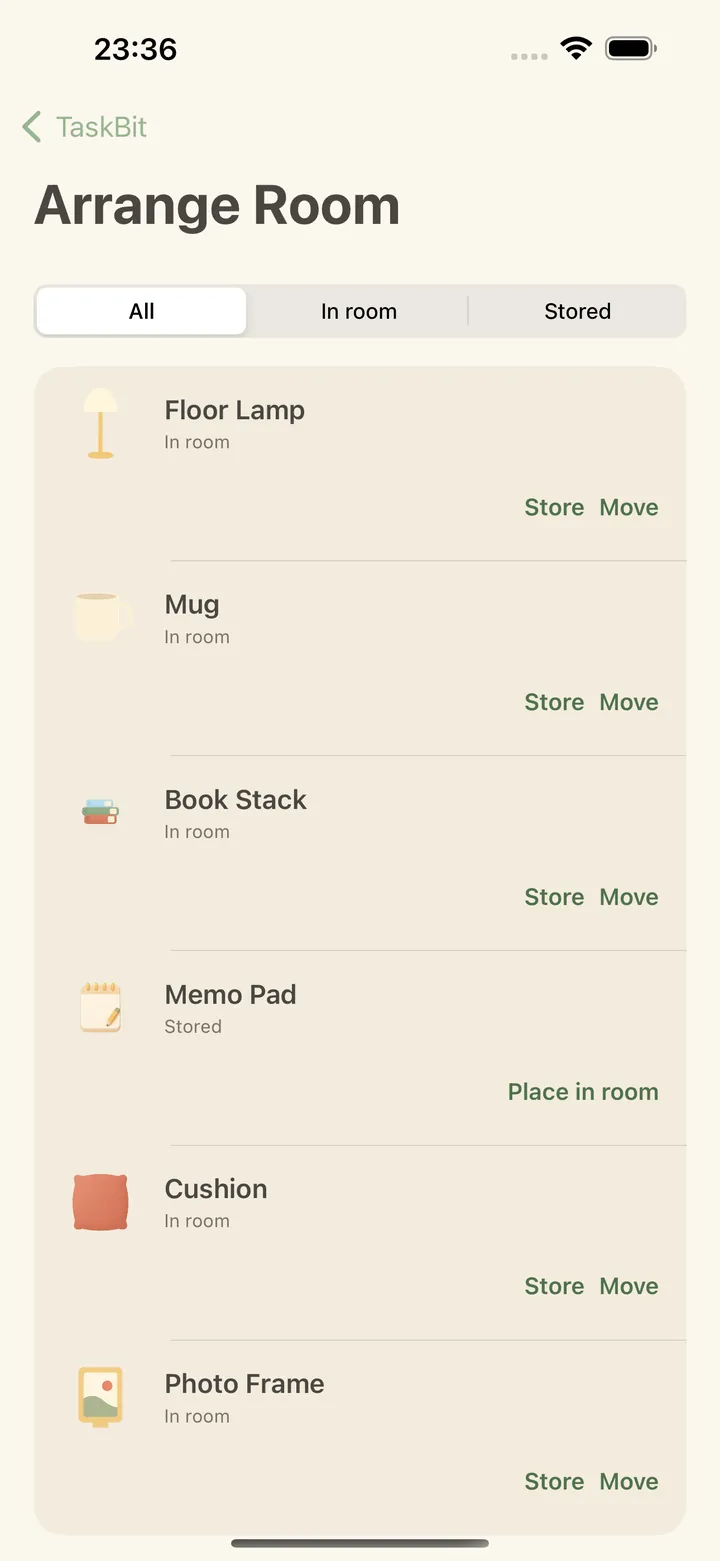
A task, a reward, and a piece of furniture
Add a task, mark it done to earn coins, then choose furniture for your companion’s room. Put the item in one of its available spots. Completing tasks earns coins, so there is no need to run a focus timer to earn them.
Limits and notes
Furniture has predefined positions. The companion stays fine on days you skip. Notifications require permission in iOS.
What you can try for free
Start for free with a task you already plan to do today.
Free. Requires iOS 17.0 or later.
See features, pricing, and frequently asked questions · Privacy · Support