
A focus and break timer on your terms
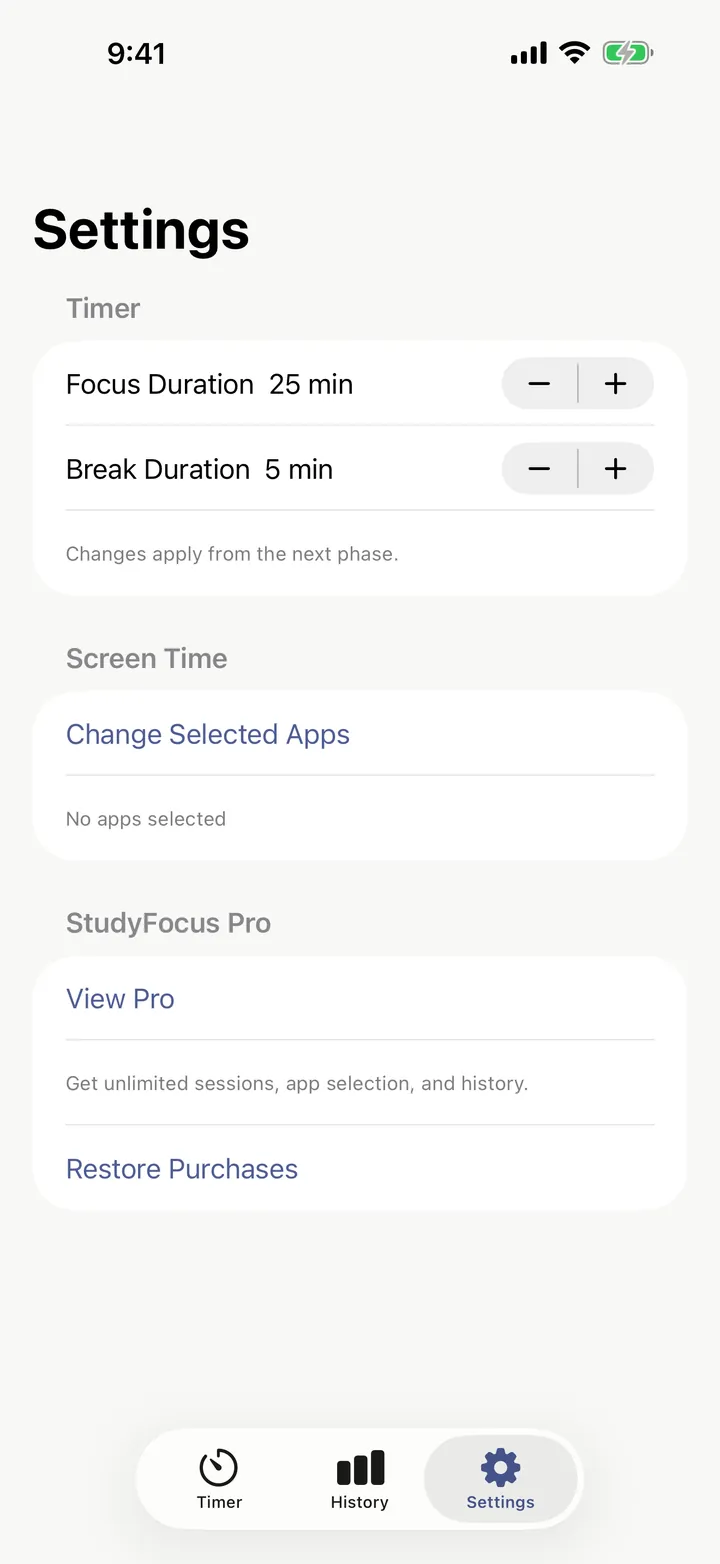
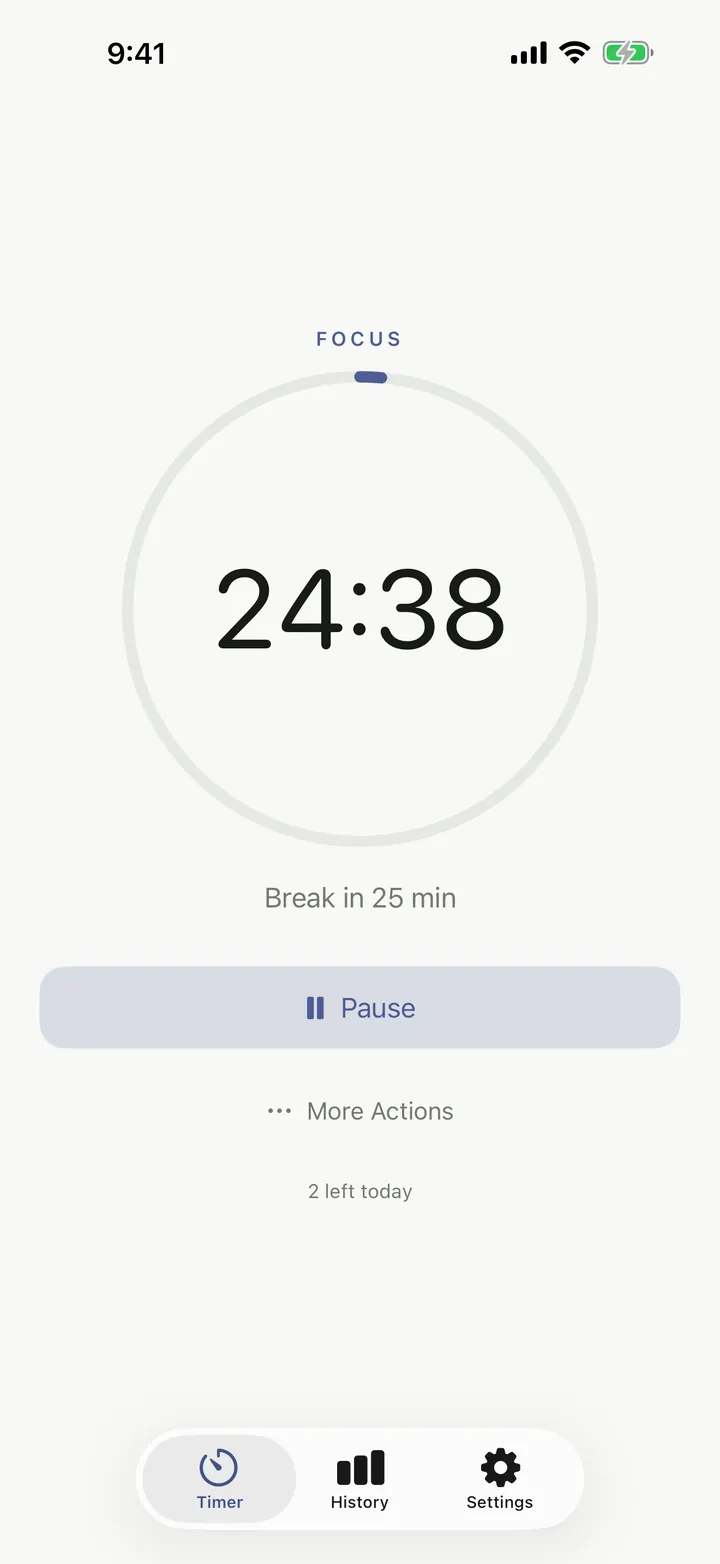
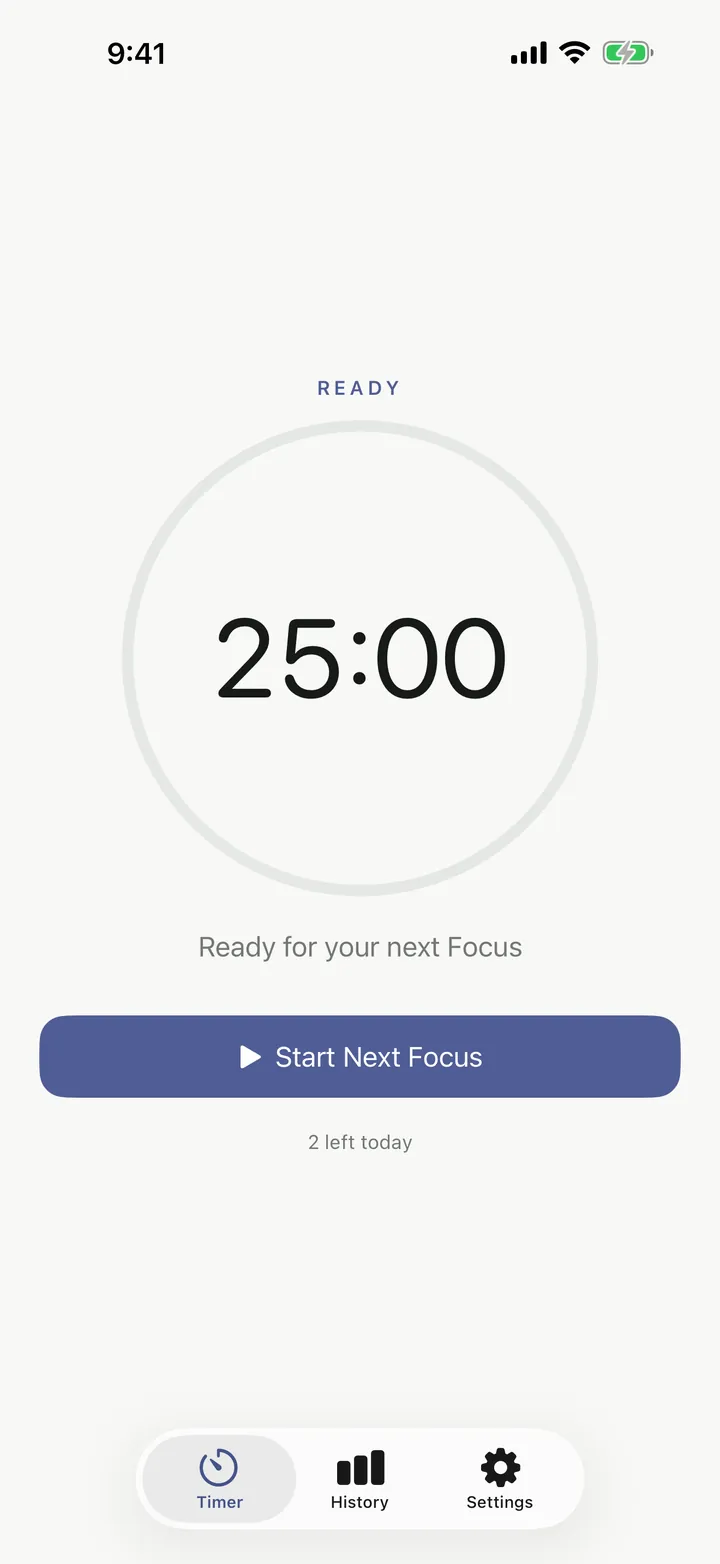
Set your own focus and break lengths. You can pause the timer or skip the current period, and changes to the durations apply from the next period.
Study Focus - Social Blocker
Study Focus is an iPhone focus timer that automatically blocks the apps you choose, such as social media, during focus sessions and makes them available when your break starts. When the break ends, those apps are blocked again automatically, so a quick look doesn't turn into half an hour.
Free with limits. Pro is a $2.99/month auto-renewing subscription in the US. Requires iOS 17.0 or later.
Block Social Apps While Studying and Reblock Them After Breaks
Set up the Study Focus iPhone timer to block selected social apps while studying, allow them on breaks, and reblock them when the break ends.
Study Focus isn't about giving up social media; it creates a clear rhythm between focus and rest. A Pomodoro timer only keeps time, so getting back from a break is up to your willpower. Study Focus uses Apple's Screen Time framework to block your chosen apps again the moment a break ends.
Set your own focus and break lengths. You can pause the timer or skip the current period, and changes to the durations apply from the next period.
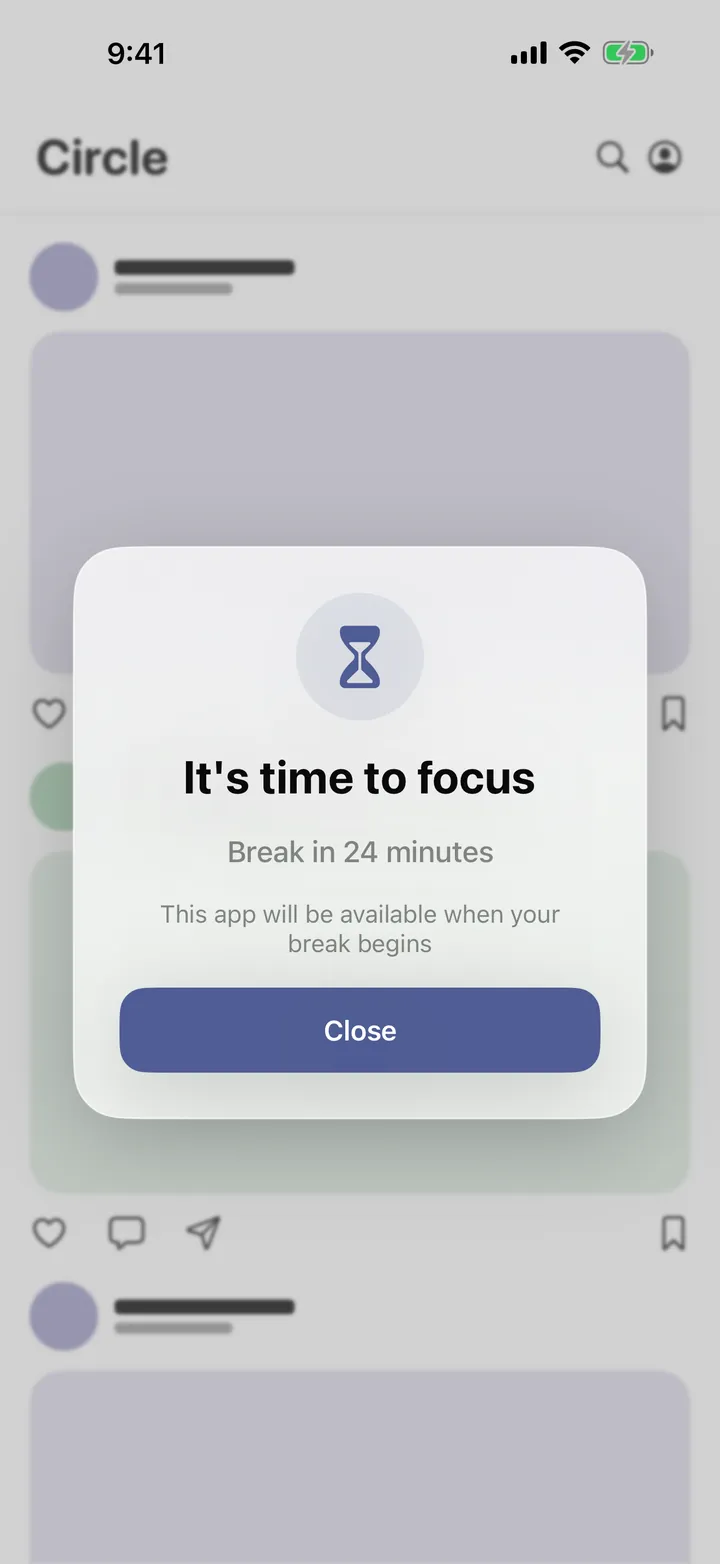
Choose the social media and other apps that distract you. When a focus session starts, they're restricted automatically; open one and you'll see that it's time to focus and how long until your break.
Apps are chosen through Apple's Screen Time framework. The free version allows up to 3 individual apps; Pro allows unlimited apps, categories and websites.
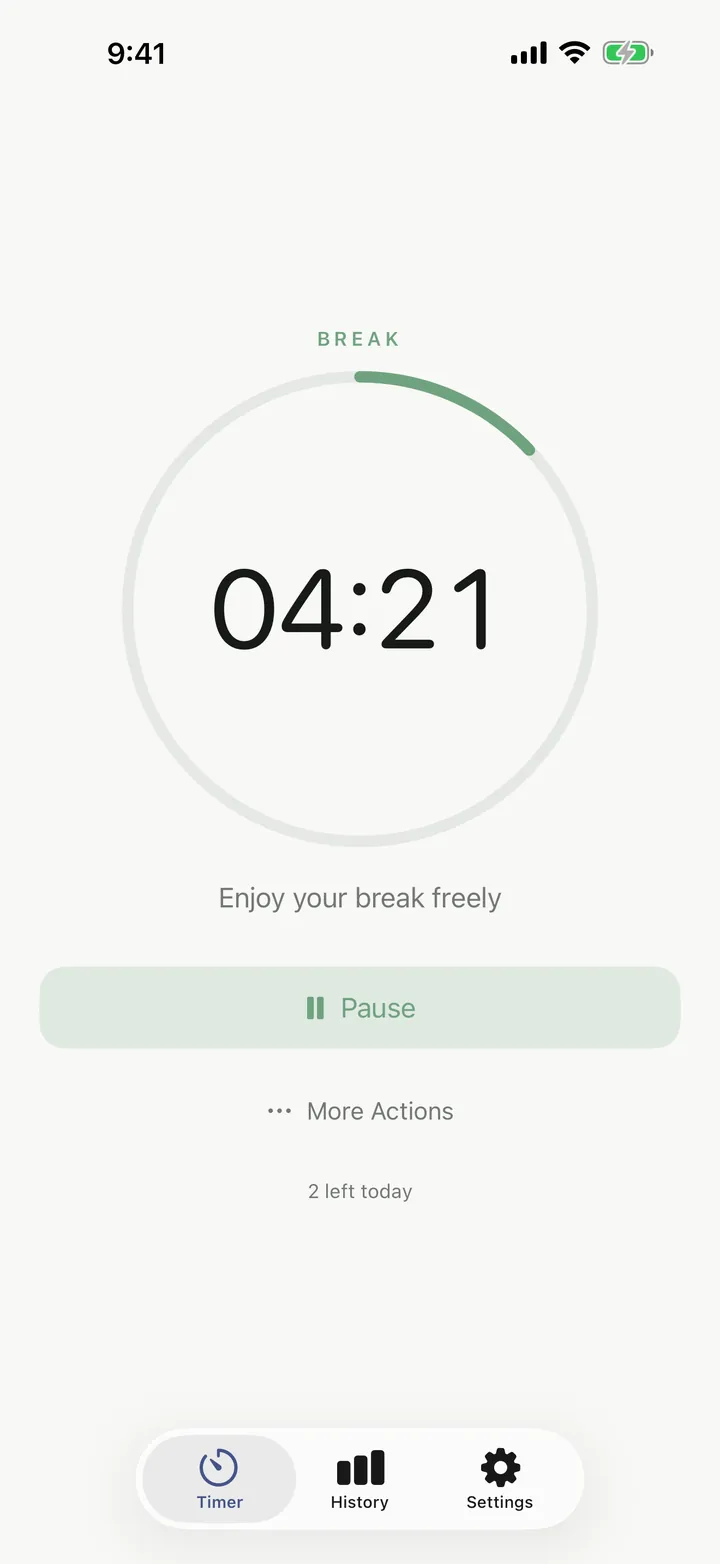
When the break starts, blocking is lifted automatically, with no settings to switch. A local notification tells you when the period ends, and a Live Activity shows the time left on your Lock Screen.
When your break ends, your chosen apps are blocked again automatically, even if Study Focus is closed or your phone is locked. Start the next focus session by tapping Start Next Focus.
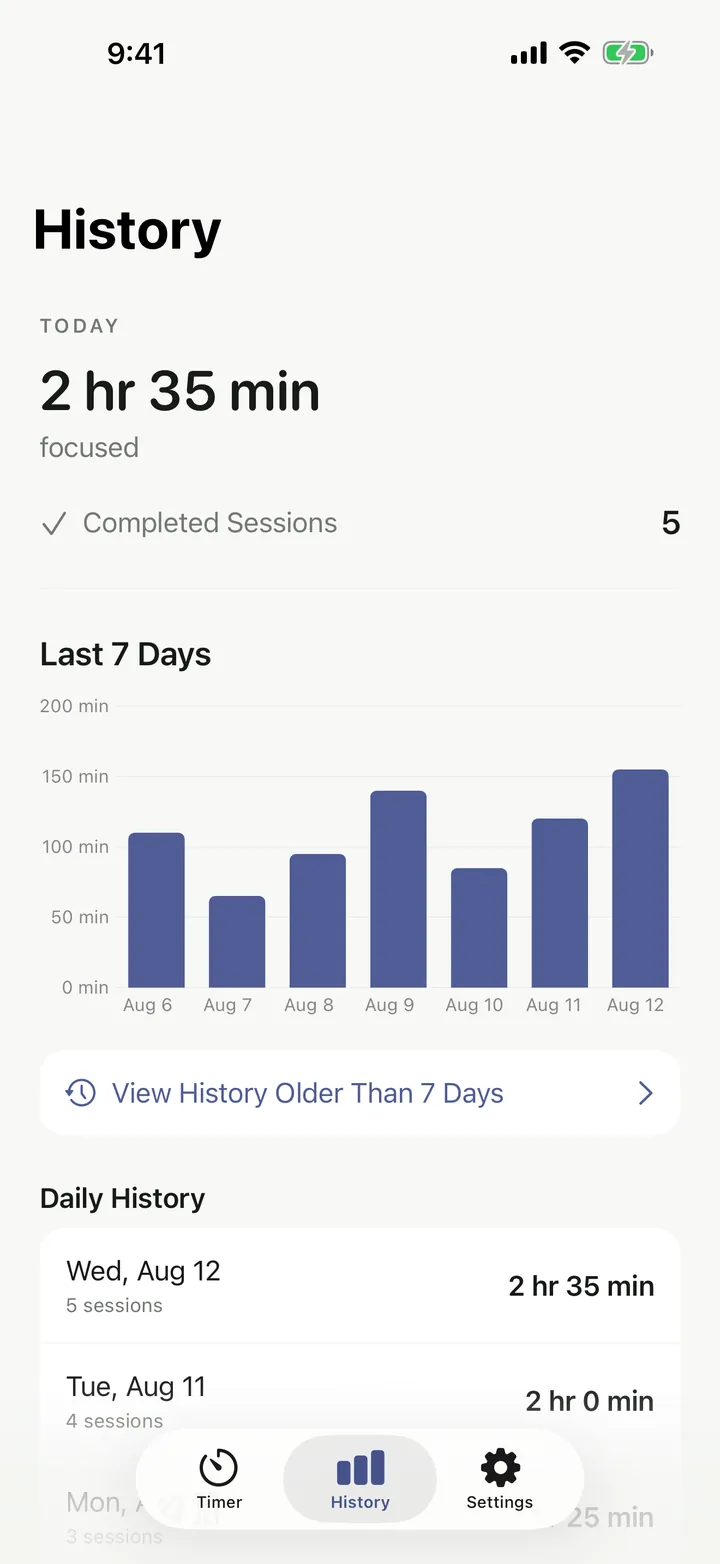
See today's focus time, completed sessions and the last 7 days. With Pro, you can view all the history stored on your device.
During setup, allow Screen Time access and choose the apps to block while you focus.
For example, 25 minutes of focus and a 5-minute break, or whatever suits you.
Chosen apps are blocked during focus and available on breaks, then blocked again automatically when the break ends.
Study Focus is an iPhone focus timer that blocks the apps you choose, such as social media, during focus sessions and lets you use them during breaks. When a break ends, the apps are blocked again automatically, which makes it easier to get back to studying.
Yes. The free version lets you complete up to 5 focus sessions a day, block up to 3 individual apps and view the last 7 days of history. Study Focus Pro, an auto-renewing monthly subscription ($2.99/month on the US App Store; prices vary by region), removes those limits.
Open Settings on your iPhone, tap your name, then Subscriptions, and choose Study Focus. Deleting the app doesn't cancel the subscription.
It's required to block apps. Study Focus uses Apple's FamilyControls framework, which represents the apps you choose as opaque tokens. It doesn't see what you view or post inside those apps.
A Pomodoro timer only keeps time, so closing social media after a break is up to you. Study Focus ties blocking to the timer: apps are blocked only during focus, available on breaks, and blocked again automatically when each break ends, so you don't have to switch anything by hand.
The timer, blocking and history work on your device. Buying Pro and checking your subscription status need a connection to the App Store.
Timer settings, blocked apps and focus history are stored on your device. There's no server or iCloud sync, and no data is sent to third-party analytics. See Privacy for details.
Focus when it's time to focus, scroll on your break, then get back to work.
Free with limits. Pro is a $2.99/month auto-renewing subscription in the US. Requires iOS 17.0 or later.